Service desk pulse
Urgent intake, work-order state, and open scope.
Open Service desk pulseCopperline Ops - Product tour
Copperline Ops carries emergency context, field notes, photo placeholders, flat-rate options, and after-service check-ins on one work order from first symptom to closeout.
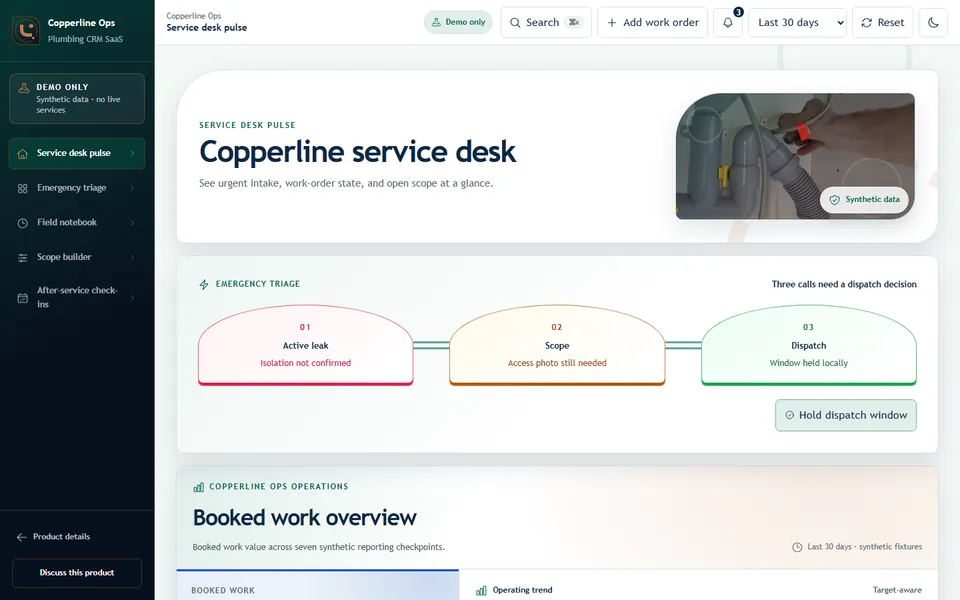
See urgent intake, field notes, scope options, and after-service check-ins without losing context.
Explore emergency intake, the field notebook, flat-rate scope builder, and follow-up schedule.
Urgent intake, work-order state, and open scope.
Open Service desk pulseSort symptoms by urgency, isolation context, and dispatch readiness.
Open Emergency triageKeep arrival notes, checks, and photo placeholders attached to the work order.
Open Field notebookAdjust labor allowance and compare clear service options.
Open Scope builderPlan callbacks and repeat-service review after the job closes.
Open After-service check-insTrace the practical path from the first symptom through dispatch, field notes, estimate, and check-in.
Capture urgency, property context, contact details, and estimate needs.
Keep job notes, photos, and quote status tied to the customer.
Surface estimates and repeat-service reminders that need owner follow-up.
A plumbing operations desk for emergency triage, field notes, estimates, and repeat-service follow-up.